
MagicImage — Vue 3 image input, crop and adjustment component
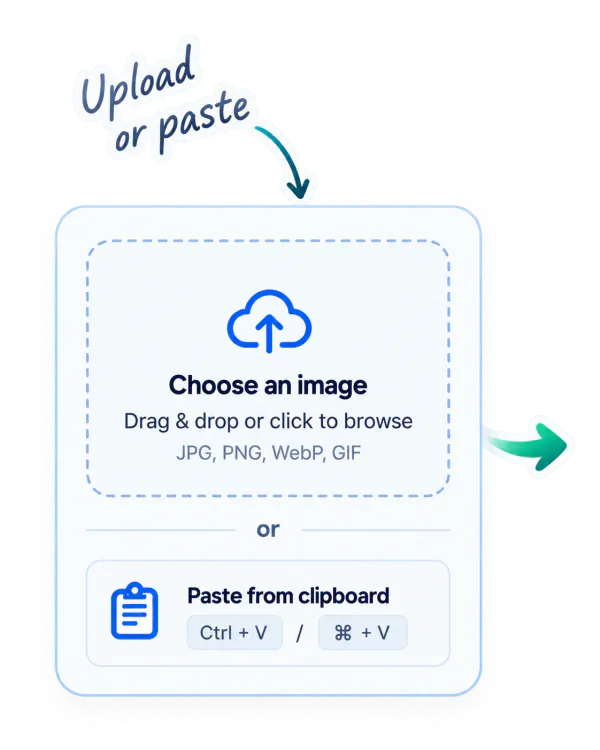
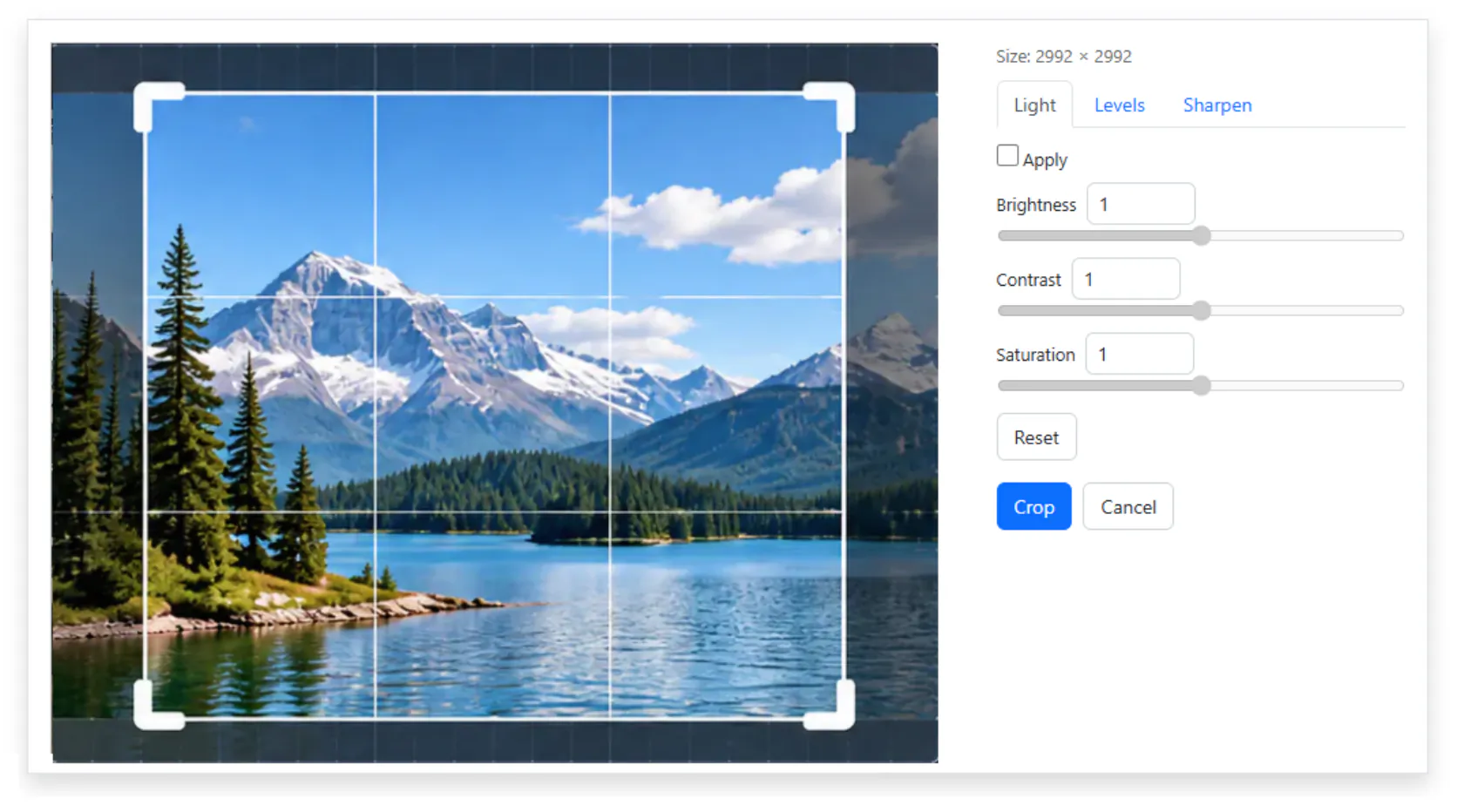
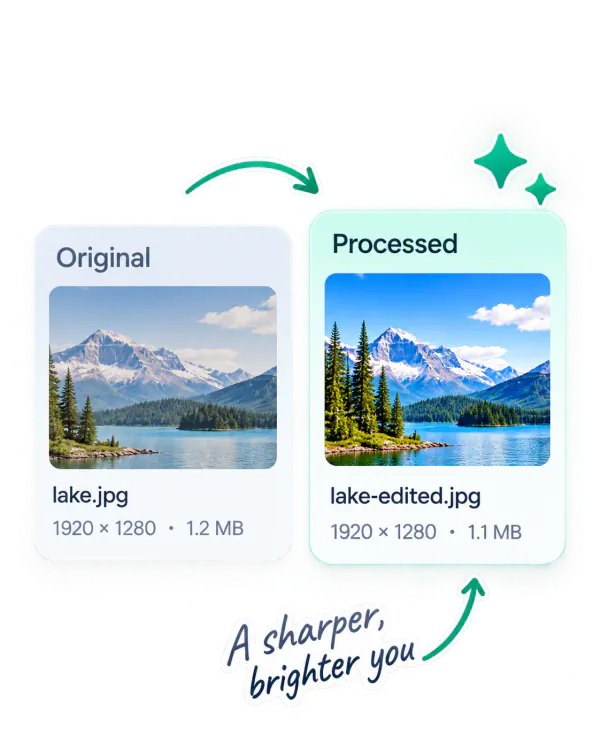
Upload an image or paste it from the clipboard MagicImage crop and adjustment interface Original and processed image comparison
File input &
clipboard paste
Crop & resize
Image adjustments
Filters &
one-click enhance
Lightweight
and flexible
Built with Vue 3Open source  •  For modern web apps

magicImage

Vue 3 image workflow

A practical toolkit for preparing images

MagicImage is a ready-to-use Vue 3 component for preparing images before your application sends them to a server.

One complete workflow

  1. Upload a file
  2. Paste an image from the clipboard
  3. Adjust the image
  4. Crop and resize it
  5. Receive the finished result

Built-in image tools

Brightness Contrast Saturation Levels Sharpen Crop modes Resize

Two files out

  • The original image
  • The processed file in PNG, JPEG or WebP

Explore MagicImage

Try the component, read the documentation or view the source code.